For MSPs Step 31 of 35
Clients, domains and who sees what
How an MSP organisation holds one client organisation per customer, where their domains live, the client board, and which clients each of your people can see.
Updated
If you manage DMARC for other organisations, sign up as an MSP: at Set up your organisation, choose We manage domains for clients. Your organisation is then an MSP organisation, and each customer gets a client organisation under it, with its own domains, reports, report addresses and alerts.
Add a client
Clients, in your MSP organisation’s sidebar, lists your clients. Enter a Client name and choose Add client. Adding clients needs the Owner or Admin role.
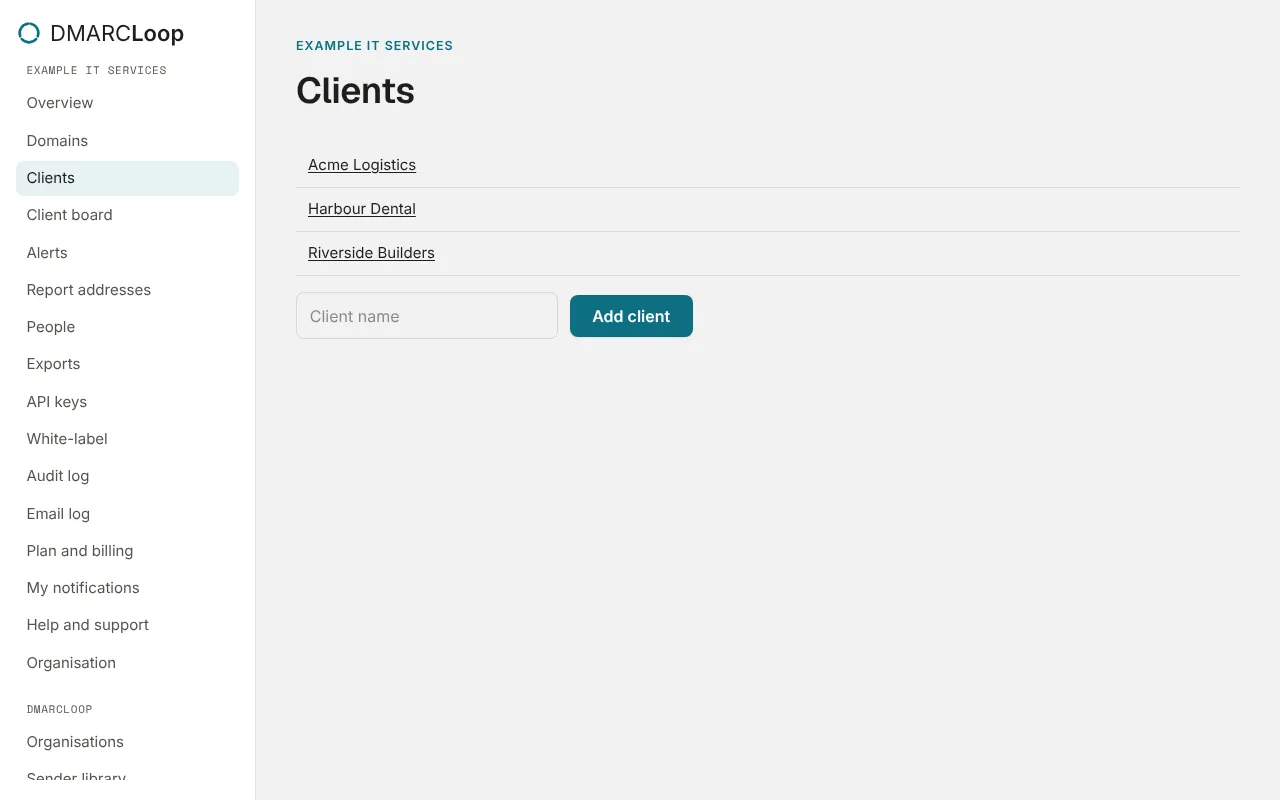
Choose a client to open it. Its sidebar is the same as any organisation’s, under the client’s name, with All clients to go back. Its Overview says Managed through your MSP.
Domains belong to a client
Add a client’s domains on the client’s own Domains page, or many at once, for many clients, with a bulk import from your MSP organisation. Your MSP organisation can monitor domains of its own too.
Each client has its own report addresses. Clients of a white-labelled MSP get them on your report domain.
The client board
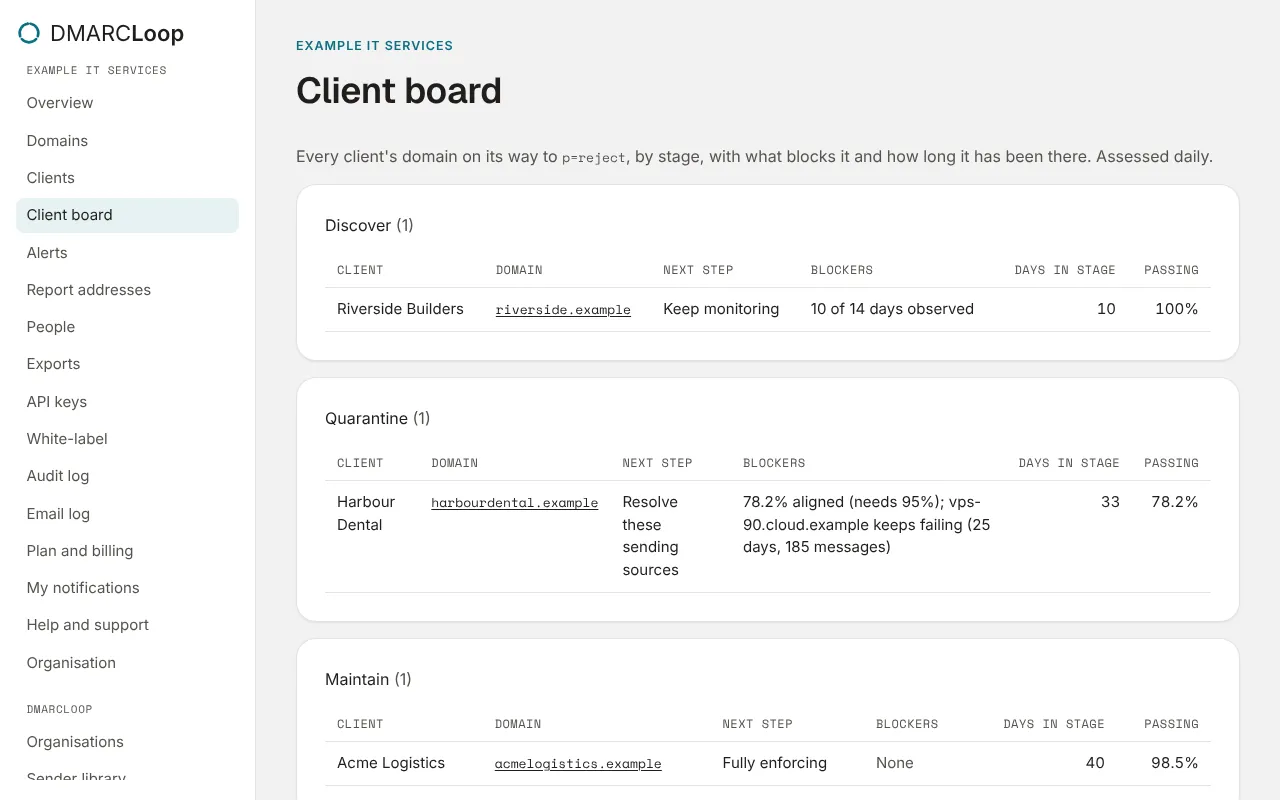
Client board, in your MSP organisation’s sidebar, is the adviser board for every client at once: each domain by stage, with its Client, its next step, what blocks it, days in stage and pass rate. It’s assessed daily.
Who sees which clients
Your people are members of your MSP organisation, and reach clients through it:
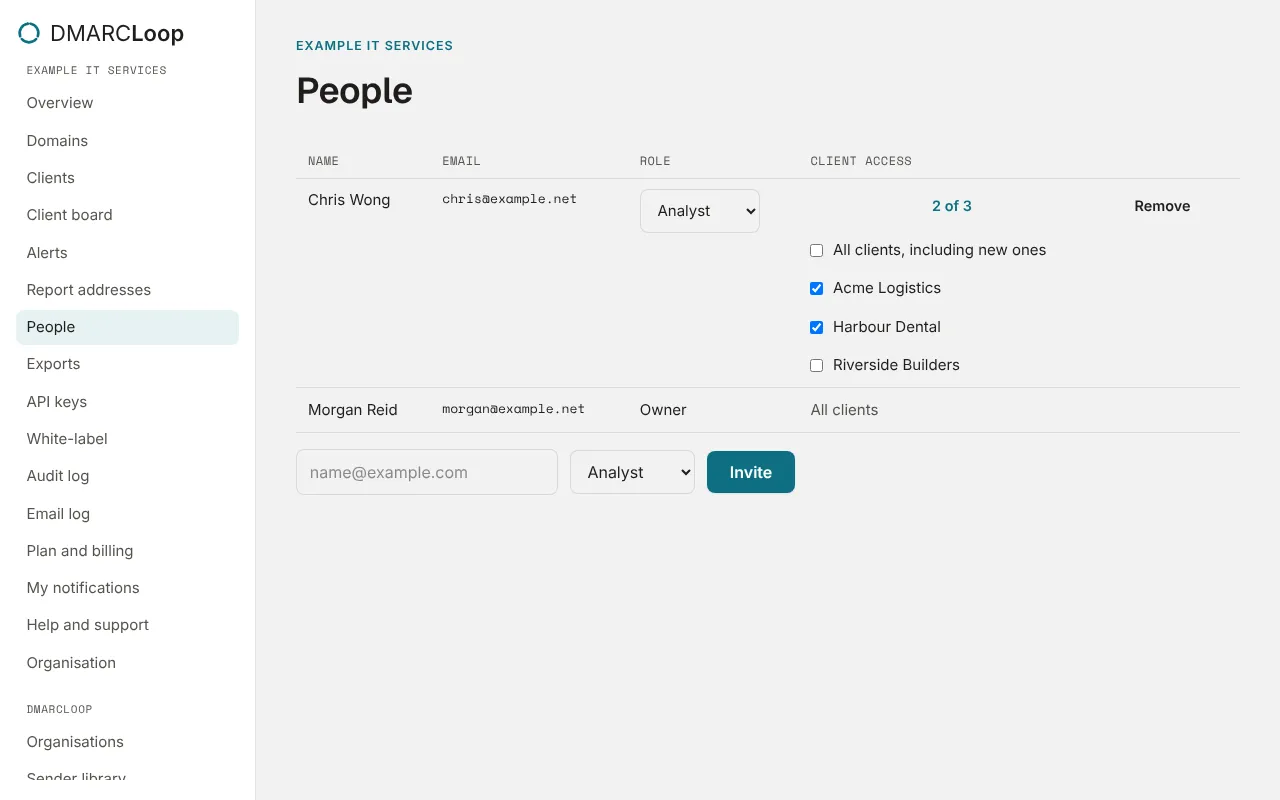
- Owners and Admins see every client.
- Everyone else sees the clients chosen under Client access on People: All clients, including new ones, or a list. Someone with none ticked sees no clients.
- In a client, each person has their MSP role, except that your owner acts as an Admin. That’s why deleting a client, or exporting all its data, is for an owner of the client itself.
Alerts for a client reach your owners, admins and analysts who can see it; a channel can be scoped to one client. See Alert channels and webhooks.
Billing
Clients are billed through your MSP organisation: their Plan and billing says This organisation is billed through its MSP. Client usage (CSV) on your Exports page has each client’s domains, users and volume this month. MSP pricing is agreed with each MSP; talk to us.
Next
Stuck? Reply to any email DMARCLoop sends, or contact us — a person reads it.